ZenTex
A writing-first LaTeX editor for macOS, designed to keep local files, readable previews, and the act of writing in the same flow.
Personal workflow framing, interaction design, and AI-assisted development with Workbuddy and REA.
- Focus: Immersive academic writing with local files
- Platform: macOS desktop application
- Approach: Personal toolmaking through AI-assisted development
A tool I wanted for my own writing
ZenTex began when my Politecnico di Milano–linked Overleaf subscription expired. I also wanted to keep my manuscripts on my own computer. What I did not want to lose was the closeness between writing and seeing the document take shape.
Years of writing with LaTeX had given me a collection of small frustrations: moving between source and output, finding a section across files, looking up citation keys, and keeping revision notes somewhere useful. I wanted these tasks to recede so that I could stay with the argument I was writing.
Using Texifier as a behavioural reference, I worked with Workbuddy and REA to develop an independent macOS editor, then extended it around my own writing needs. The aim was a workspace where readable text and direct control over LaTeX could coexist.
Write where you read
The central idea is an editable preview. Headings, equations, tables, figures, and references become readable in the writing column. Moving the cursor into a decorated region reveals the underlying source so it can be edited directly.
This is one document, not two versions to keep in sync. The writer can move between reading and editing without leaving the place where a sentence belongs.
Read → place the cursor → edit → return to the text. The preamble can retreat into a summary, while the body keeps its visual hierarchy. Formula and table previews help the writer inspect meaning without repeatedly switching to the final PDF.
Fewer interruptions around the sentence
Immersion also depends on the smaller actions around writing. I grouped the supporting features around recovering context, bringing in references, and leaving a useful next step.
Find without losing your place. A document outline and project search help locate sections and labels.
Bring your library into the writing flow. ZenTex can import a Zotero library exported through Better BibTeX. A reference does not need to be in the current project’s .bib file already: if it is in the imported library, it can be selected inside the editor. ZenTex inserts the citation and automatically copies the corresponding bibliography entry into the project’s .bib file. The writer can work from their wider reference collection without leaving the manuscript to hunt for a citation key or manually copy an entry.
Leave the next step in the manuscript. TODOs remain connected to their source locations. Completing one in the sidebar updates the source note, rather than creating a separate task list to maintain.
Shape a comfortable writing space. Text width and position can be adjusted independently. In Zen mode, only the passage at the cursor stays highlighted while the surrounding text recedes, helping the writer stay with the current thought. The sidebar, appearance, and reader settings let the interface support the session rather than dictate it.
Keep the files, check the page
The readable editor does not replace LaTeX’s typeset output. A split view keeps the working document beside its compiled PDF, and SyncTeX provides jumps between source and output when a precise page check is needed.
The application works with local project files and a local TeX toolchain. A Swift/AppKit shell surrounds the editing and preview layer built with CodeMirror, KaTeX, and pdf.js. This choice supports the original aim: a desktop writing workflow without requiring my manuscript to live in a cloud editor.
Personal toolmaking with AI
Workbuddy and REA supported the investigation and implementation. My role was to define the writing problems, shape the interactions, and decide which behaviours served the workflow I wanted. The reference app provided a starting point; my own writing experience set the priorities.
ZenTex remains an evolving personal tool. It supports source-to-PDF navigation, but not continuous PDF scroll-following while typing. Local TeX setup and language support still need refinement; the Chinese preamble summary visible in the screenshots is one known localization gap.
The design goal remains simple: make more room for writing, with less attention spent managing the editor.
Context and credits
Independent personal project, developed with Workbuddy and REA — Reverse Engineer Anything. Texifier was the behavioural reference; its application binary and assets are not redistributed with ZenTex. CodeMirror, KaTeX, and pdf.js retain their respective open-source credits. Screenshots show demonstration documents, alongside ZenTex identity artwork.
Continue exploring

MuSynk

Solo product design and development: cross-device workflow, Android listening experience, macOS sync companion, and listening-history integration.
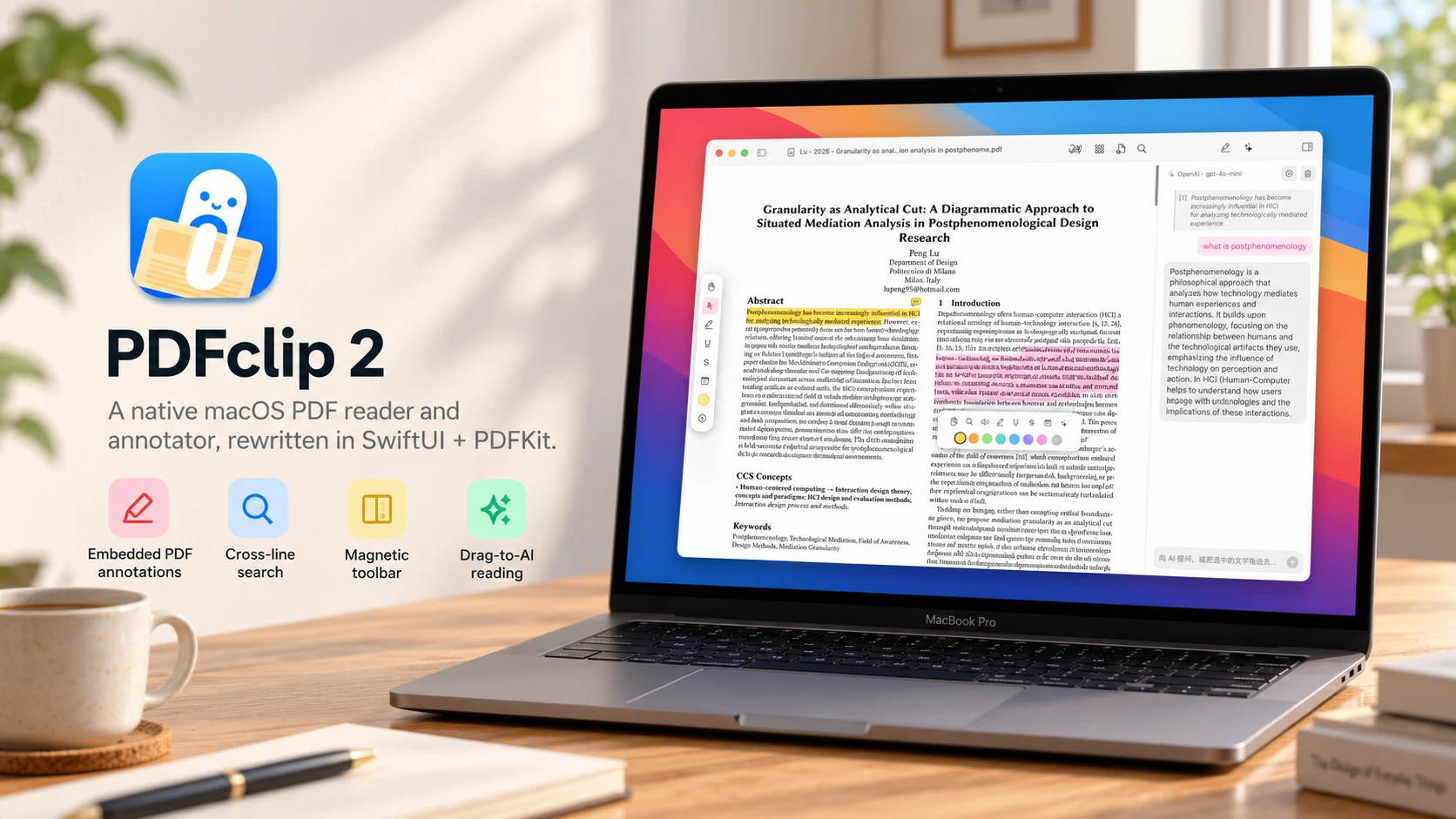
PDFclip 2

Independent product design and AI-assisted development, primarily with WorkBuddy: reading workflow, interface decisions, and iterative refinement.