What's Next?
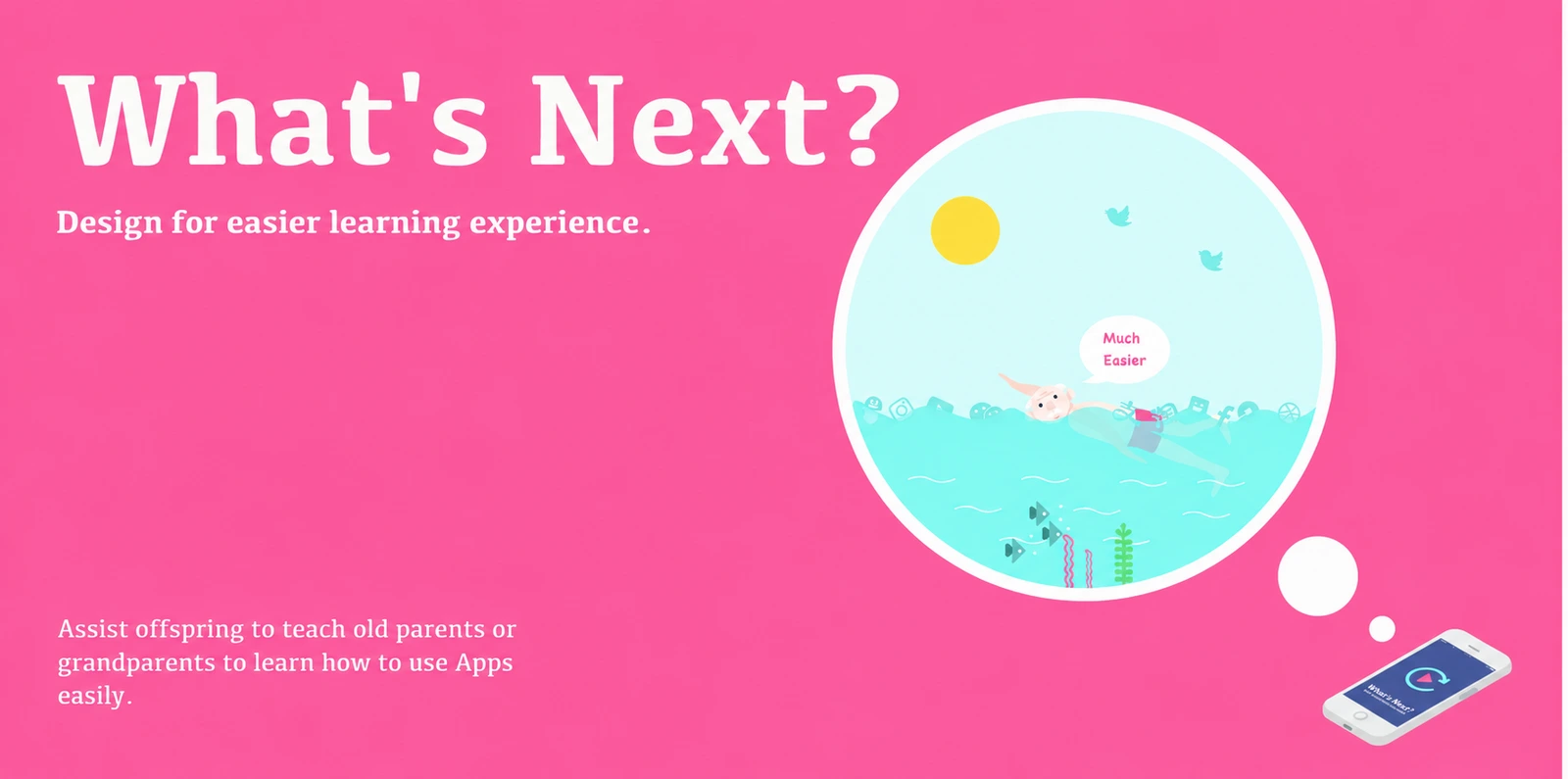
An inclusive interaction design concept that turns a personal smartphone demonstration into a reusable guide, making gestures and their targets visible during replay.
- Focus: Independent learning of unfamiliar smartphone tasks
- Proposition: Personal demonstrations with visible gesture cues
- Format: Application concept, interface mockups, and storyboard
- Status: Concept proposal; not a released or validated application
When the demonstration is over, what remains?
A family member shows someone how to complete a task on their phone. It makes sense in the moment—but the next time, the sequence is difficult to reconstruct. The person who explained it may no longer be available.
What’s Next? explores how this moment of assistance could remain useful. The concept proposes saving a demonstration of a specific app task, then making the gestures behind each screen change visible when the learner returns to it.
Not just what happens on screen, but how to make it happen.
The original context is older adults learning smartphone applications in China, with relatives helping them. The aim is not to replace that relationship, but to give the learner a resource they can revisit independently.
Choosing a learning challenge
The proposal considers several potential barriers: small visual elements, hard-to-hear guidance, fine-motor demands, and difficulty remembering an unfamiliar sequence. It narrows the design focus to recalling a multi-step operation after being shown how to do it.
The selected scenario is repeated instruction: a grandfather asks his younger relative to show him the same task again. The issue is not simply access to a phone, but how to recover the steps later without depending on another live explanation.
This framing is a design proposition. The original illustrations are not presented here as evidence from a usability study, nor as a claim that all older learners have the same needs.
A personal library of reusable guides
Rather than send a generic tutorial, a helper would record the exact operation the learner needs—for example, how to post to WeChat Moments. That demonstration would be saved under an application and a named action.
The relationship is simple: app → task → demonstration, with an optional voice note. One app could contain several task guides; a task would keep its explanation and recording together.
The interface translates this structure into three functions.
WeChat provides the illustrated task examples. Alipay and Taobao appear as library categories, not completed integrations or fully documented tutorials. The payment-related task name visible in the original mockup is an example label, not working payment functionality.
From teaching to independent replay
The five-stage journey connects a helper’s demonstration to a learner’s later review. Each step below is an original interface mockup; the sequence describes the proposed behaviour.
The key transition is from one-time explanation to a resource for later use. Naming the action makes the guide easier to find; keeping it under its app provides a familiar point of entry.
Background recording across apps is part of the original vision, not an implemented capability demonstrated by these screens.
Making the missing gesture visible
A screen recording shows an interface changing. It may not reveal what the demonstrator’s finger did to produce that change: where it touched, how long it stayed, or in which direction it moved.
What’s Next? proposes a visual layer that reconnects the screen to the action. In the WeChat example, a highlighted region and a hand cue indicate the intended interaction area.
Three parts of a readable action
The screen preserves the interface seen during the demonstration.
The target highlight identifies the region to attend to or interact with.
The gesture cue indicates the kind or direction of action associated with that region.
For this to become a useful replay, the cues would need to match both the screen position and the moment in the demonstration. A static legend alone would not communicate the sequence.
A hypothesis, not a result
The original project calls this mechanism Hypothetical Technology. Its proposition is that visible gestures could help learners recall the teaching situation; the supplied materials do not establish that this effect has been tested.
The reference includes touch-and-hold, rotation, and horizontal and vertical scrolling. The two uncertain labels are not reinterpreted here as a particular double-tap or pinch gesture.
The design contribution is the relationship between recorded interface, visible action, and later recall—not a claim to have solved native touch-event capture.
A guide to return to
The storyboard follows Grandpa and Jack through one illustrative situation. It makes the intended value of the guide concrete without presenting the story as a user test.
3. The learner returns independently
The intended shift is from repeated dependence on immediate help to reusable, personally relevant assistance. Whether that actually improves independent task completion remains a question for future evaluation.
From concept to a testable experience
The original work establishes an interaction concept, interface mockups, and a scenario—not a released application or validated recording system.
A useful next step would be a small playback prototype: a short demonstration with manually authored, synchronised gesture cues, step navigation, and optional spoken notes. It could explore whether the cues help a learner reconstruct the procedure without another live explanation.
That would test the learning experience, not native cross-app capture. Recording other apps and their touch events would remain a separate technical and privacy challenge. No functional prototype or live recording is claimed on this page.
Original design materials
Concept project, 2017. Adapted from the five supplied portfolio pages, printed pages 34–38. All illustrations and interfaces shown here are original concept artwork, not live application captures or user-testing records. Source wording is retained within the images; surrounding copy uses learning-barrier language rather than treating ageing as a uniform deficit.
Continue exploring
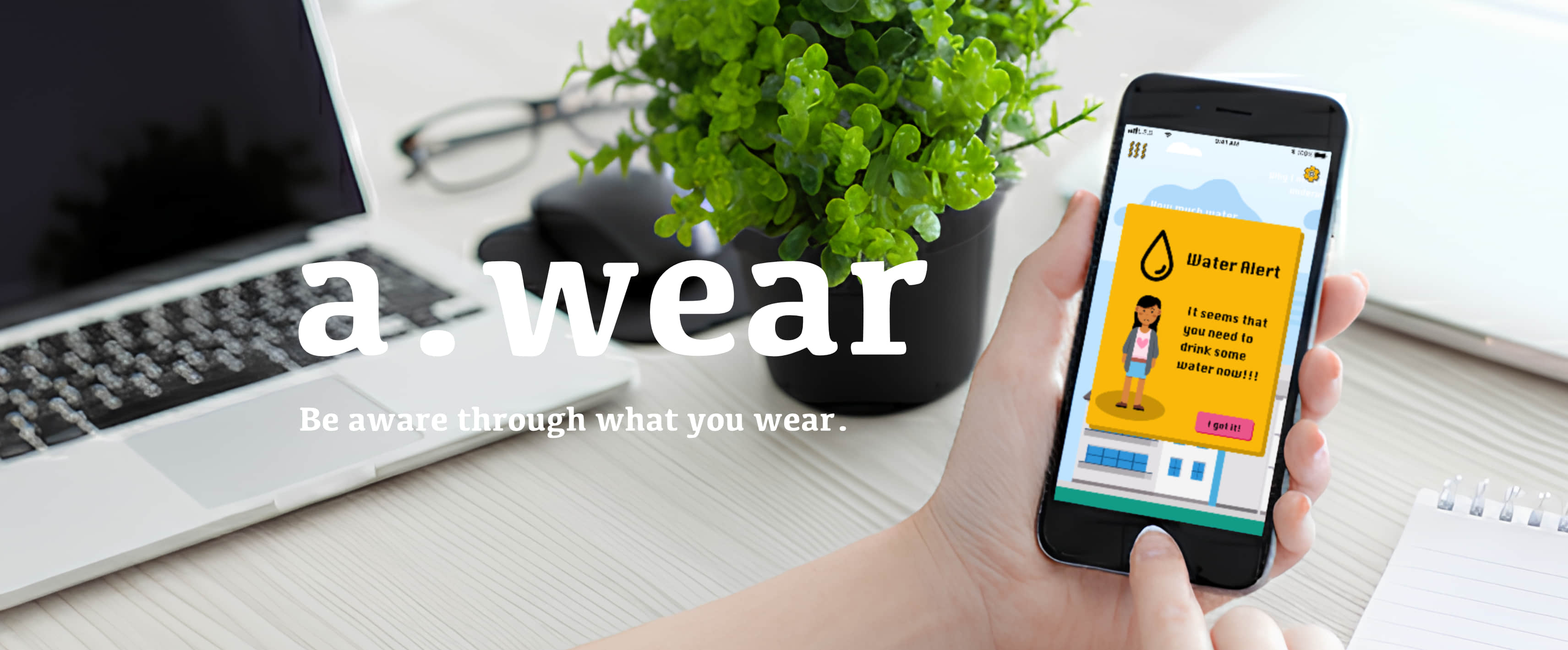
a.wear: Designing for Teenage Self-Acceptance
I designed the mobile app's UX, UI, and interaction prototypes, and contributed to the team's service concept and brand strategy.
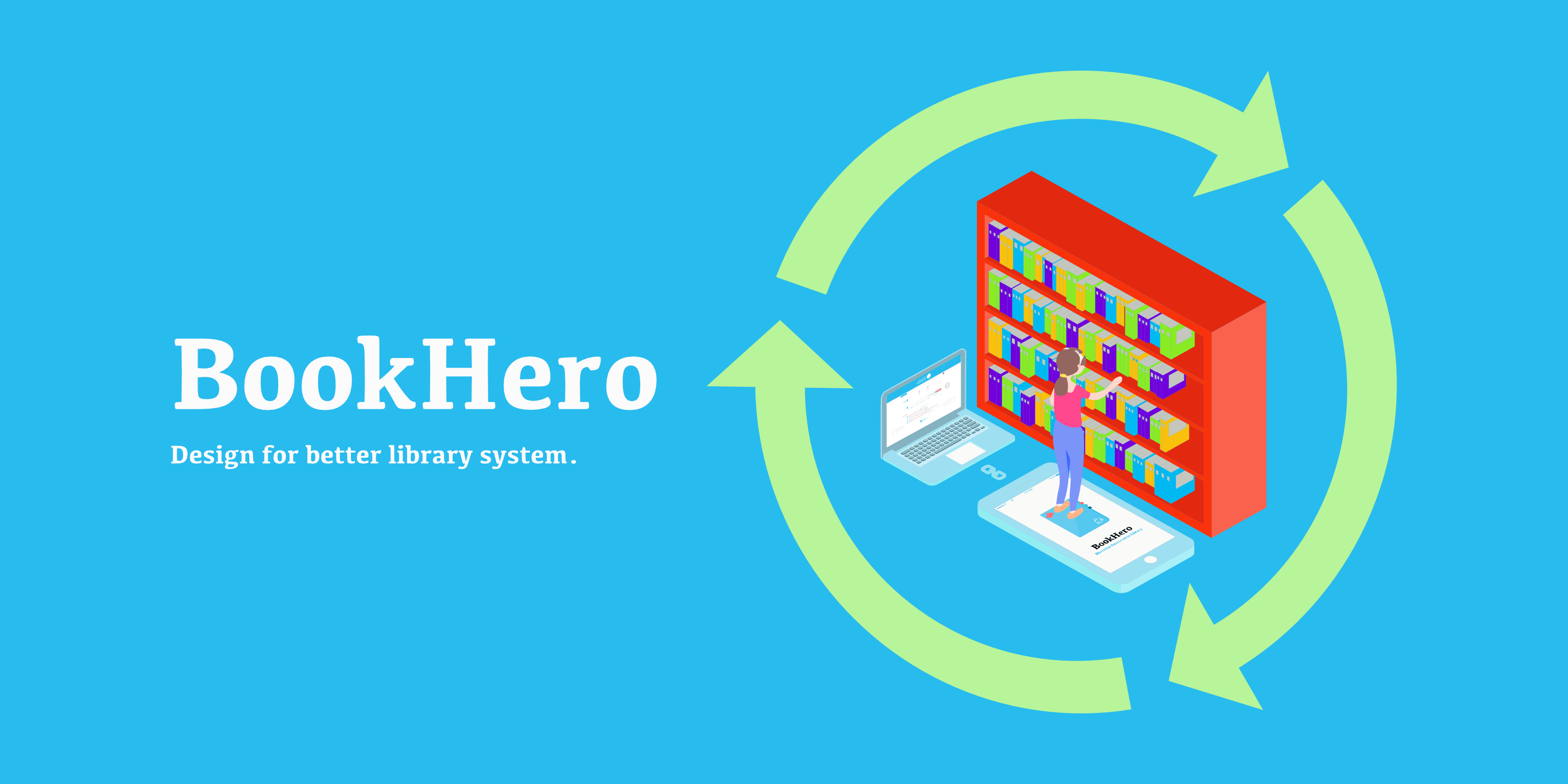
BookHero: Connecting Discovery, Borrowing, and Contribution
I independently conducted the research and synthesis, mapped the service and user journeys, and designed the mobile and web proposal.