PDFclip 2

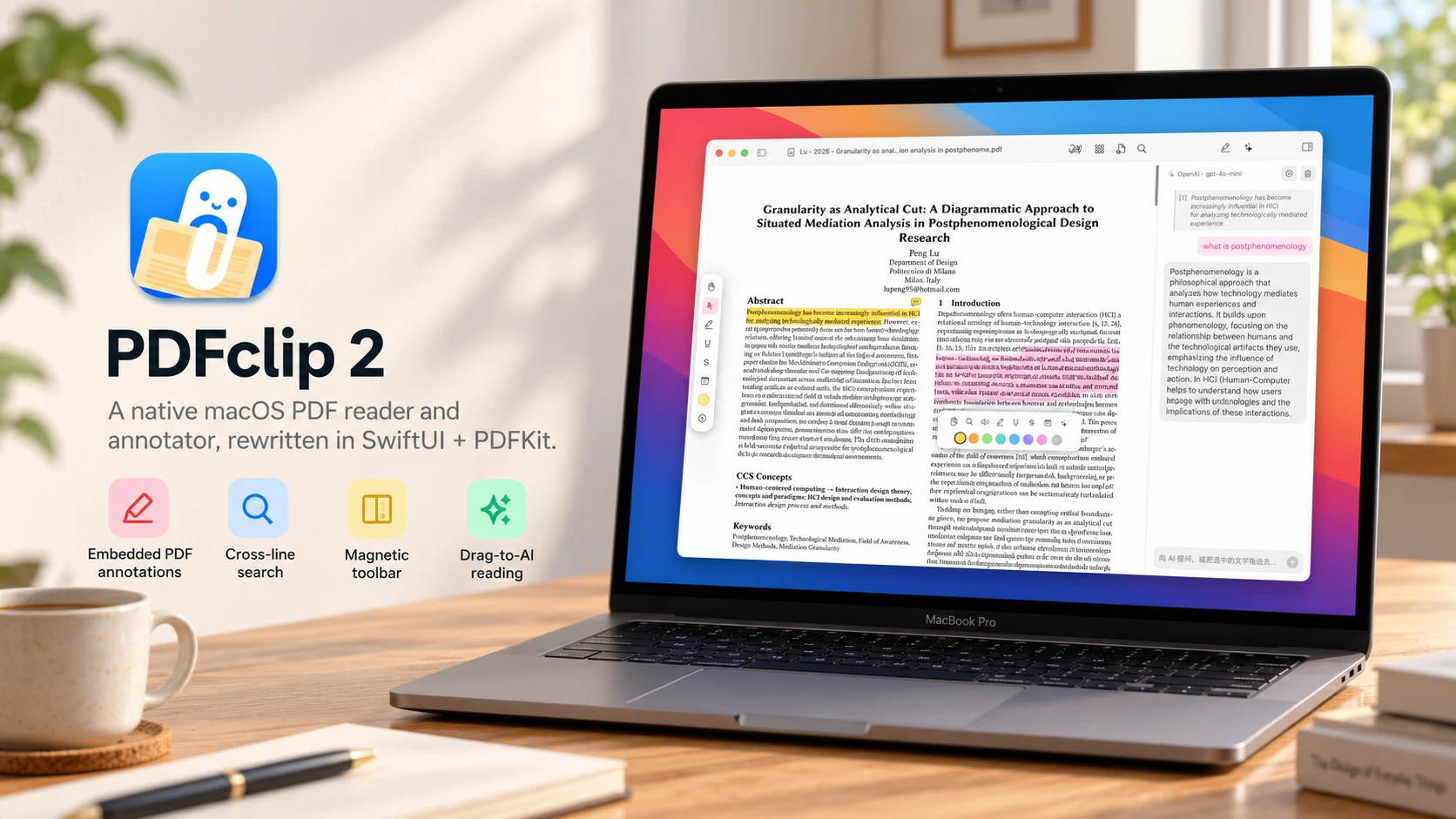
A reading-first macOS PDF application, with contextual annotation, reference previews, and a workspace that adapts around the document.
Independent product design and AI-assisted development, primarily with WorkBuddy: reading workflow, interface decisions, and iterative refinement.
- Started: September 2026
- Platform: Native macOS application · SwiftUI, AppKit, and PDFKit
- Status: In development; not publicly released
- Images: Screenshots of the running application, showing my own research documents
- Cover: Product illustration; body images show the running application
A reader built around reading
When my own computer went back to China for repair, I worked on my wife’s Mac. Finding a PDF Expert alternative that felt right proved unexpectedly difficult. I wanted to read, mark a passage, and keep going—not spend the session navigating a heavy interface.
That practical frustration became the brief for PDFclip 2: keep the document at the centre, with tools close enough to use but quiet enough to forget. It is a personal product-design and development project, built primarily with WorkBuddy.
The main reading surface leaves room for the page. Navigation and supporting tools can be brought into the session without becoming its permanent focus.
Tools within reach, not always in the way
Annotation begins with the passage rather than a trip to a toolbar. Selecting text brings a compact set of actions into context, including markup and colour choices. The intention is to shorten the interruption between noticing something and leaving a useful mark.
The palette can also sit horizontally above the page or vertically at its side. These are alternative arrangements for different documents and reading positions, not additional panels that must all remain open.
Markup is stored as PDF annotations rather than only in a separate application-specific sidecar. The aim is for the reading work to remain connected to the document itself.
Follow a thought without losing your place
Academic reading often moves between an argument and the material it points to. A linked reference can be previewed beside the originating passage, reducing the need to jump away and reconstruct the starting point.
For a longer comparison, two documents can share the window. In this example, my thesis sits beside a related paper. Each remains a readable document rather than a small thumbnail or an item hidden behind another tab.
Support around the page
Some reading sessions need more than markup. An optional AI sidebar allows a selected passage to become the context for a question and follow-up, while the document stays visible. It is a supporting conversation, not a replacement for reading or checking the source.
A page overview offers a different scale of attention: step back from the current paragraph and see the document’s overall sequence. It gives navigation and page-management tasks their own space instead of crowding the everyday reading view.
Building a quieter tool
The “2” marks a fresh start. I first made a version based on an open-source PDF reader. That foundation was not written in SwiftUI, so I built a second version from scratch rather than continuing to adapt it. The current application uses SwiftUI, AppKit, and PDFKit.
I used WorkBuddy as the primary development partner, with my role centred on the product brief, interaction choices, and repeated refinement of the experience. Rebuilding the application gave me a new foundation for shaping the reader around the experience I wanted.
The guiding question is not how many features can fit in a reader, but how little interface is needed for the next reading action. Contextual markup, a repositionable palette, and reference previews are different answers to that same question.
PDFclip 2 remains in development and has not been publicly released. The screenshots show the running application with my own thesis and research paper; the original interface language is preserved.