MuSynk

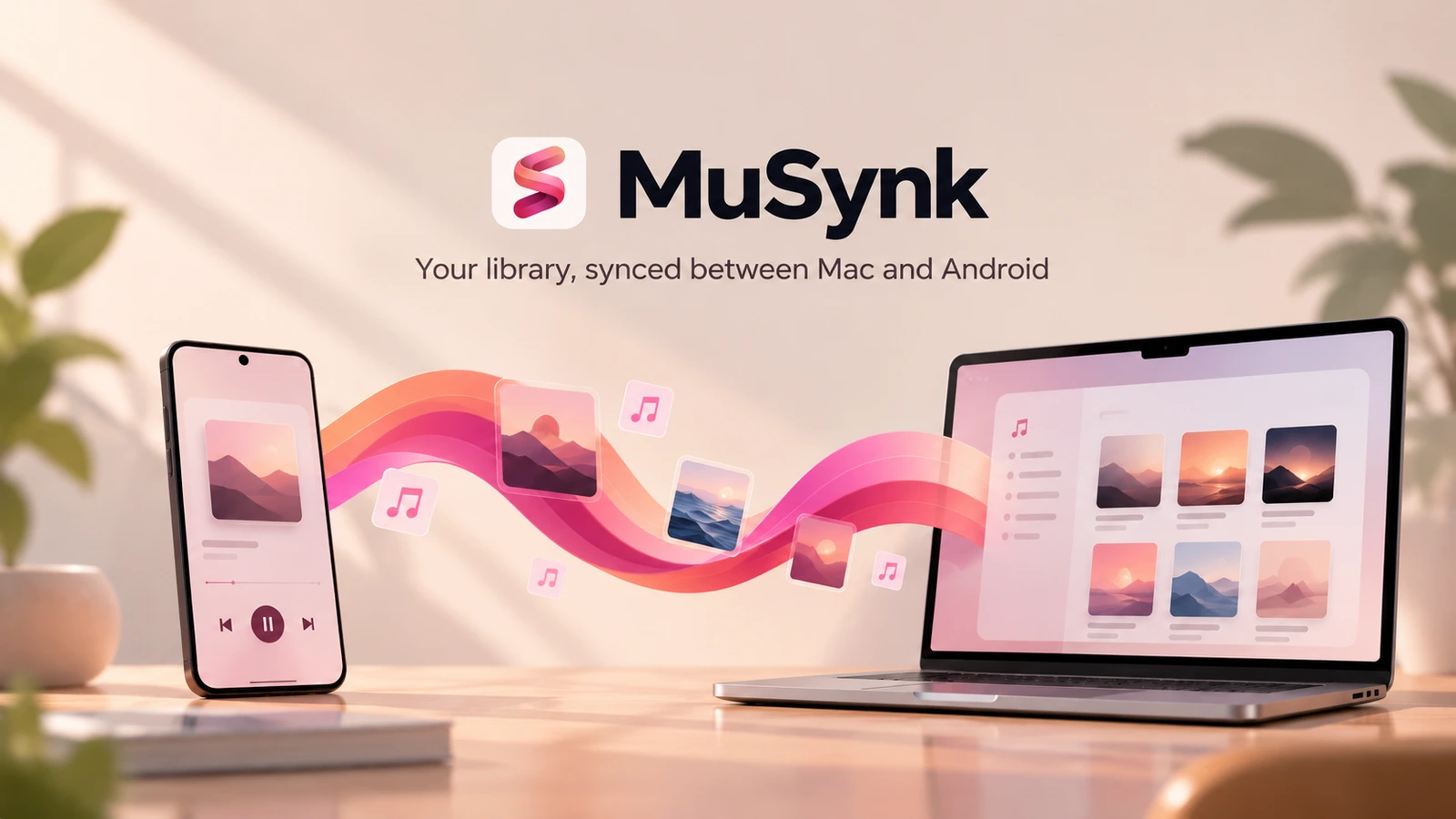
A personal music system connecting a Mac-managed collection with everyday Android listening, visible sync decisions, and a trail back to music worth hearing again.
Solo product design and development: cross-device workflow, Android listening experience, macOS sync companion, and listening-history integration.
- Timeline: August 2026–present
- Apps: MuSynk A for Android · MuSynk M for macOS
- Status: In daily personal use; closed-source and not publicly distributed
- Cover: Product concept illustration; body screenshots show the running applications
One collection, two places to use it
My music library is managed in Music.app on a Mac, but I listen on an Android phone. Keeping the files on both devices is only part of the problem. Playlists change, ratings accumulate, and lyrics become part of the collection. Those decisions need a route back, not just a one-way copy.
MuSynk began with that personal workflow. I designed and developed two complementary applications: MuSynk A is the daily player; MuSynk M is the library and synchronization companion. Listening history adds another perspective—what I actually return to, not only what I own.
The aim is continuity across these different activities, without requiring the phone and Mac to become identical applications.
The existing Mac collection
Library access
and write-back
Select, preview, transfer, review
Selected media
and supported changes
Local playback and library
Optional listening history and summaries on Android—not a requirement for playback.
The system keeps two kinds of information distinct. Files, playlists, and preferences move through the device sync. Last.fm supplies an optional listening-history layer. Losing that connection must not interrupt local playback or library access.
A library built around listening
On Android, the library keeps songs, artists, albums, and playlists together. Global search reaches across those categories, so finding a song does not require remembering where it was filed. The same collection leads into the full player rather than a separate streaming catalogue.
The player supports local files, lyrics, a queue, Love / None / Dislike, and a separate five-star rating. Keeping preference and rating distinct matters: a quick reaction is not necessarily the same as an assessment of a track.
High-resolution ALAC playback is supported; project device testing reached 24-bit / 192 kHz. That is a result on the tested device, not a claim about every Android audio setup.
Control without losing your place
Browsing should not mean losing contact with the current song. The mini-player keeps essential controls nearby, while the dock changes with scrolling. The queue is treated as a place to work: see what comes next, reorder it, and return to the position last browsed.
These are connected interaction decisions rather than a list of extra features. A persistent route back to the player, a queue that remembers its place, and lyrics that follow the song each reduce the need to reconstruct context.
The artwork-derived background gives the player and its surrounding surfaces a shared visual atmosphere. The controls remain recognizable as the collection changes.
Music Trail: a way back into the collection
The history tab, Music Trail (乐迹), turns past listening into something browsable. Week, month, and year views compare periods and show frequently played artists, albums, and tracks.
The counts are not the endpoint. When an item can be matched to the local library, it can lead back to an artist or album page, or let a track be queued next. The design question becomes what can this history help me hear again?
Last.fm provides the history, while an app-local cache supports the interface between refreshes. Matching and history responsiveness remain areas for refinement. Local listening stays available even when online history cannot refresh.
Discovery starts with what is already there
The recommendations surface begins with the collection itself: recently added files, recent listening, and local candidates worth revisiting. Each card opens a detail view, rather than ending at a decorative overview.
This is an early implementation, not a complete recommendation engine. Recently played uses the last 24 hours of Last.fm history. Recently added uses local file modification times as a practical proxy for arrival through sync. Current history-informed cards reuse listening signals; they are not new results from an external discovery service.
The local rediscovery rule is deliberately simple: liked or highly rated tracks with low recorded play counts. It does not yet establish that a track has gone unheard for a particular length of time.
A recommendation also needs an honest action. Locally matched music can be played or opened; an external-only result should not look like a playable file. Generating and saving new playlists from these suggestions remains future work.
Preview the sync, then see what changed
MuSynk M approaches the same collection from the Mac. It browses Music.app songs, artists, albums, and standard and smart playlists so I can choose what belongs on the phone.
The selected-items review makes the transfer set inspectable before proceeding. The companion works with the collection I already maintain, rather than asking me to curate a second library independently.
A preview then makes the planned changes explicit. The completion receipt closes the loop by reporting what was transferred and processed, including lyrics, artwork, and preferences. The figures in these screenshots describe one sync session, not a general performance benchmark.
Standard playlist creation and membership changes have passed bidirectional manual testing in the project. Preferences, ratings, and lyrics also participate in the sync workflow where supported. This is not a claim that every smart-playlist rule or conflict case is solved.
The important design move is to make synchronization understandable: selection → preview → execution → receipt. Changes to a personal collection should be visible, not hidden behind an opaque progress bar.
Boundaries that shape the product
Several decisions keep the project focused.
| Decision | Consequence for the experience |
|---|---|
| Keep playback local | Last.fm enriches history, but is not a gate to listening. |
| Give each platform a clear role | Android is the player; the Mac currently prioritizes synchronization rather than desktop playback. |
| Prefer chosen or local artist artwork | Custom images and album covers take precedence; Last.fm is not an artwork source. |
| Make sync changes inspectable | A preview and receipt expose the plan and result; resetting state or deleting data is not a generic repair strategy. |
| Separate a suggestion from a playable file | Only safe local matches should offer local playback. |
Development began in August 2026, and the Android player and Mac sync companion are now in daily personal use. History and discovery continue to evolve. Personal use is a development feedback loop, not evidence of wider user validation.
Next steps include refining history and matching, letting rediscovery candidates become reviewable playlists, and exploring broader discovery. MuSynk M is planned for the Mac App Store, with no release date. A full Mac player is a longer-term direction, not an existing feature.
The project is built with Kotlin and Jetpack Compose on Android and SwiftUI on macOS. It remains closed-source and not publicly distributed.
Project and image notes
Solo design and development, August 2026–present. Screenshots show the running applications and a personal music collection. The cover is an author-supplied product concept illustration, not an actual application screenshot. Chinese UI labels are retained in the original screenshots and explained in the English captions. Album artwork belongs to its respective owners. MuSynk is not affiliated with or endorsed by Last.fm or Apple.