a.wear: Designing for Teenage Self-Acceptance
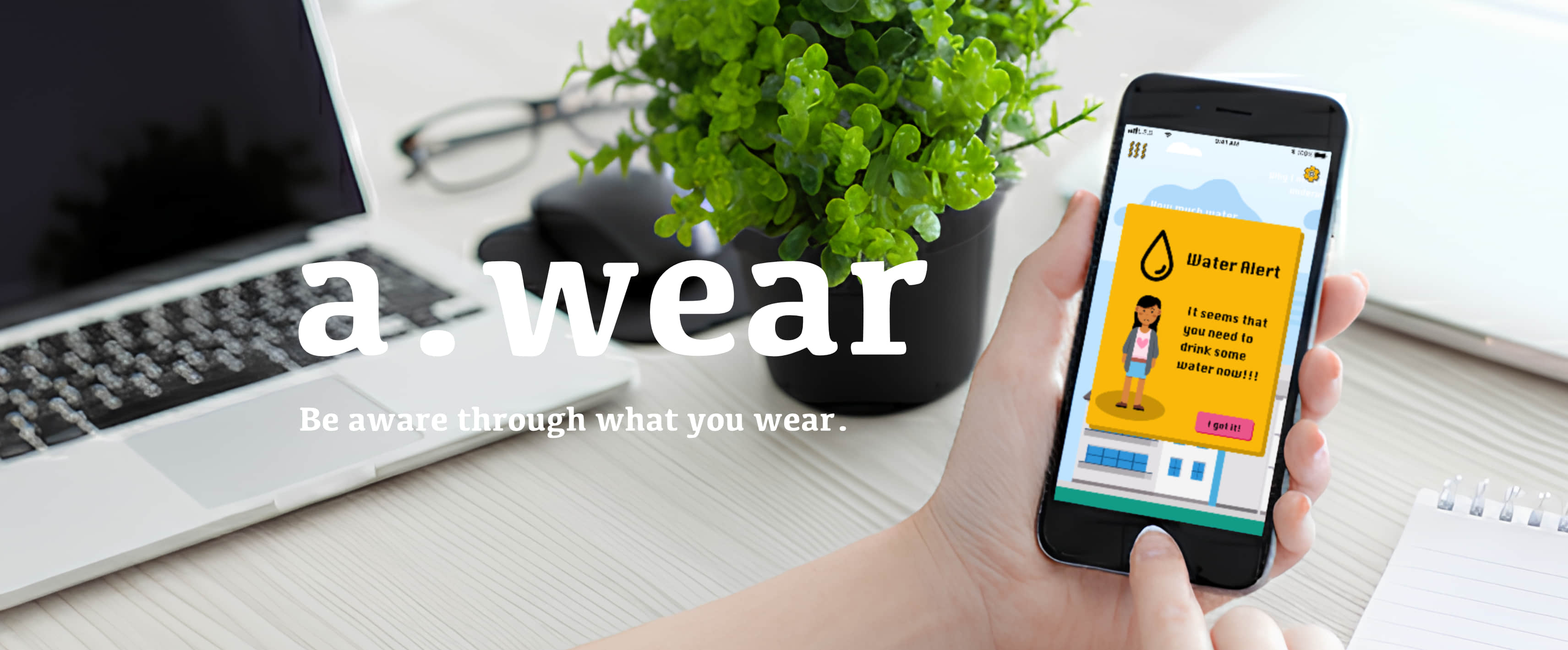
A wearable service concept exploring how a playful app can turn body data into everyday support for teenagers.
I designed the mobile app's UX, UI, and interaction prototypes, and contributed to the team's service concept and brand strategy.
- Context: Health & Wealth Innovation Studio, Politecnico di Milano
- Team: Group project; sole designer of the mobile app
- Duration: 3 months
- Deliverable: App interaction prototypes within a wearable service concept
The challenge: support without comparison
Teenagers aged 13–15 experience physical changes alongside growing social pressure about appearance. Our studio project explored a wearable service that could help them understand their bodies and feel more comfortable with those changes.
How might everyday feedback support self-acceptance without turning the body into another score to improve?
This question shaped my app design: use approachable language, make routine advice optional, and give users direct control over personal settings.
The studio brief called for a personalized product informed by a chosen user group. Our investigation focused on the physical and social transitions of early adolescence, including bodily changes, smartphone use, and concerns about appearance. This led the team to a direction centered on uniqueness and self-acceptance.
For my app work, the central design problem became the translation of body data into an experience: what should be visible, when should the app interrupt, and how much attention should a suggestion ask for?
A service connecting garment, app, and brand
The team developed a product-service concept comprising smart garments, a companion app, and a shared visual identity. Proposed garment sensors would monitor perspiration, pulse, and temperature; an optional detachable vibration device was conceived for menstrual discomfort.
My focus was the app: how someone would set it up, interpret feedback, and control the connected device. These are design concepts and interaction prototypes; sensing accuracy and health benefits were not established through this project.
From service idea to interaction strategy
I developed the interface around three recurring situations: introducing oneself to the service, encountering feedback during everyday activity, and configuring something personal. Each situation asks for a different form of control.
Onboarding uses avatars and a nickname to introduce self-expression. Feedback distinguishes a direct reminder from advice that can be ignored. Settings use visual selection and immediate controls to make private or hardware-related actions understandable. These decisions carry the service’s self-acceptance goal into the app’s behavior.
The shared brand language also connects the pieces: expressive characters and playful typography help the screens feel like parts of the same service. The design challenge is to retain that character without making important actions difficult to recognize.
Supporting brand identity
Comfortaa typography, bright colors, and expressive characters connect the app to the wider service identity. My contribution included translating that language into the interface.
Three interaction decisions
1. Match the interruption to the message
I separated an attention-getting water reminder from everyday advice. The reminder presents a clear message and acknowledgment; routine suggestions appear as drifting clouds that users can engage with or let pass. This gives the prototype two different rhythms of interaction.
The water reminder is a concept for feedback, rather than a clinically validated emergency alert. Its tone and trigger conditions would need testing.
The contrast between the two interactions makes a deliberate trade-off visible. A strong interruption is easy to notice but can feel directive; a drifting prompt respects the user’s attention but can be missed. The prototype explores both, giving different messages different levels of insistence.
2. Make onboarding feel like self-expression
Avatar selection, nickname creation, and age selection use the brand’s playful visual language. The intention is to make initial setup welcoming while keeping the steps understandable.
The sequence moves from a character choice to personal identification and basic configuration. It establishes the app’s tone through actions, rather than relying on a long introduction. In subsequent testing, I would examine whether the playful treatment remains clear and appropriate across the intended age group.
3. Make personal settings tangible
For cycle tracking, visual date selection replaces a long form. For the proposed vibration device, direct controls let users adjust settings without navigating through multiple menus.
These screens address two different challenges. Date selection helps make a sensitive input task legible; hardware controls connect an on-screen action to a proposed physical response. Both require clear state and feedback. A working service would also need to explain what is stored, how it is used, and what happens when the device is disconnected.
Outcome and reflection
The project produced a coherent app concept and interaction prototypes connecting onboarding, contextual feedback, and personal controls to a wider wearable service.
The hardest design trade-off was balancing expressive interaction with clear, trustworthy feedback. The prototypes demonstrate that design direction; they do not establish improved retention, reduced anxiety, or health outcomes.
A next iteration would test comprehension and emotional response with the intended age group, refine the more directive reminder language, and develop consent, data deletion, and device-disconnection flows alongside the core experience.
Additional project documentation is available on Notion.
View project archiveContinue exploring
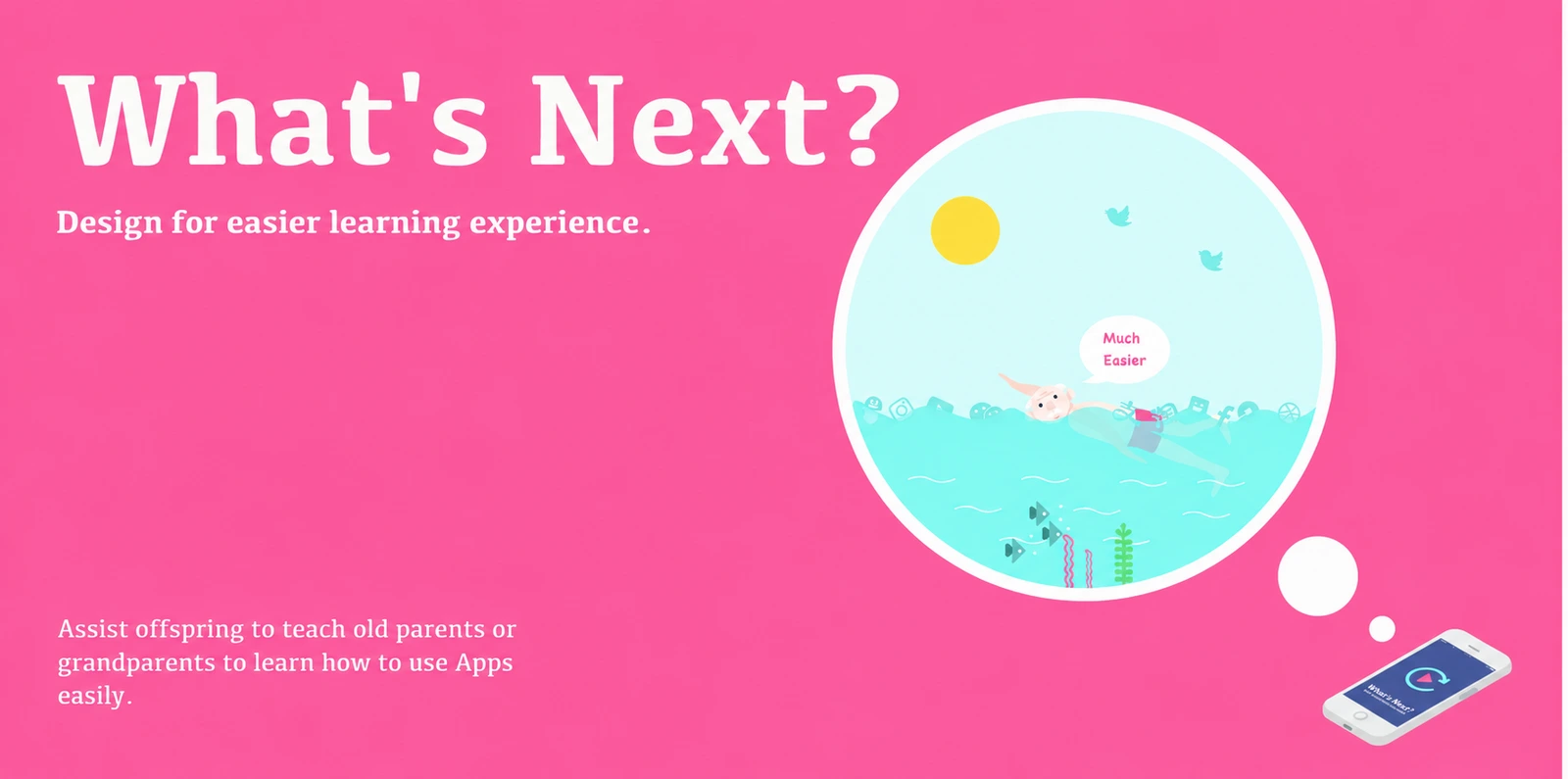
What's Next?
An inclusive interaction design concept that turns a personal smartphone demonstration into a reusable guide, making gestures and their targets visible during replay.
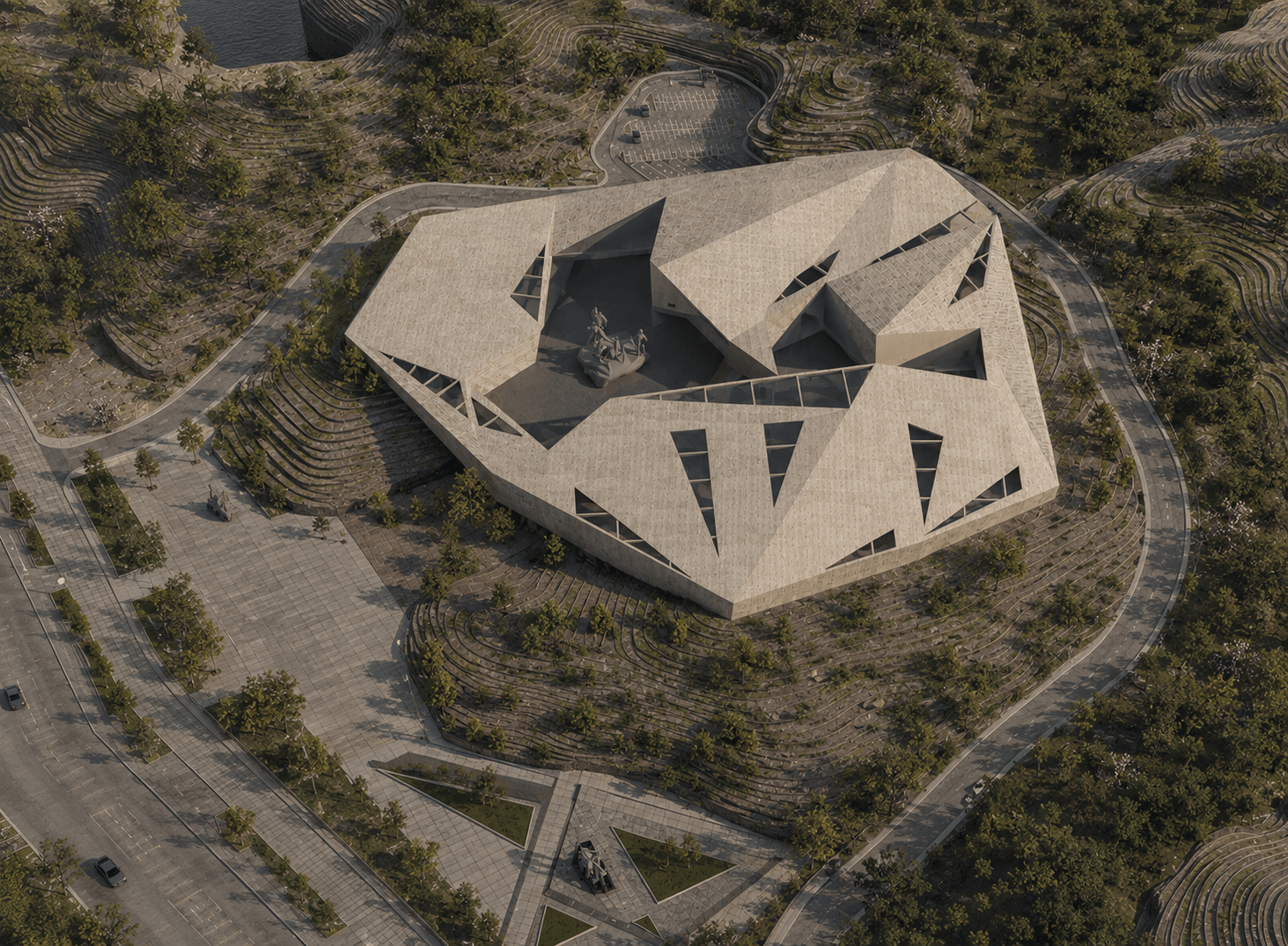
Jinzhai Revolution Museum
Architectural concept, site planning, spatial organization, drawings, and visualization for my undergraduate graduation design.